In-Game Settings
Enable the following in your RuneLite client for best results:
- Enable Untradeable loot notifications

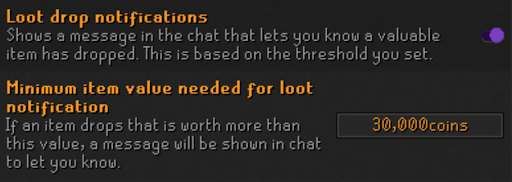
- Enable Loot Drop notifications and set minimum value to 30k
- Enable Missed Clue Notifications

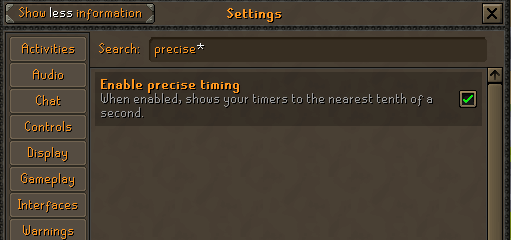
- Enable Precise Timing
Plugin Guide
1) Faux Bingo Plugin
- This time around, one of our very own community members, OwOhio, has created our very own plugin to record drops with ease.
- This has undergone some preliminary testing and we believe all of the bugs have been worked out, but there is a small chance that something minor may occur mid bingo.
- Check the "Enable Bingo API" Box and Press yes
- Grab your API Token from the website by Clicking "Player Token in the top right of the website and put it into the "API Token" Box.
- Check "Enable WOM Auto-Update"
- (Optional) Check "Show Team Icons in Chat"
- Check "Display Overlay & Date & Date"
- You can leave your "Team Name" and "Team Name Color" blank as those will auto input themselves.
- Type in your "API Base URL" which will be : https://fauxbingo.com/
It's also recommended that you install a secondary plugin for manual screenshots; since this is the first time trying out the 'new' website and plugin that will automatically record your drops, it's expected that there will be bugs and other things we have to fix and patch as we go. The backup plugin is there to make sure you have a picture to upload of any drop you get in the event the Faux Bingo website or plugin don't work correctly. Our recommendation is "Better Discord Loot Logger"
- Place the webhook pinned in your drops channel
- Check to Send Screenshot
- Set a screenshot keybind (It can be whatever you like)
- Check off "Include Pets, "Include Valuable drops", "Include collection log items", and "Include Raid Loot"
- Set your "Valuable Drop Threshold" to "1,000,000"
2) Mobile Screenshots
If you have a valid screenshot you must:
- Take a manual screenshot
- Paste it into your team’s Discord channel
- In chat when you take the screenshot, type your team name, date, and time to verify it is a valid timestamp
Example:Team Gertrude Kittens Oct 5th 7:12pm PST
Screenshot Verification Rules
Screenshots verifications are allowed to be posted from 30 mins before bingo start time or at any point during bingo (before getting credit for any of these). If your teammate does not do a verification screenshot and gets the item it will NOT count. Make sure your teammates are aware. TO HELP RELIEVE STRESS ON CAPTAINS, PLEASE POST THE SCREENSHOTS WHEN A TILE IS UNLOCKED, OR WHEN YOU ARE ABOUT TO BEGIN WORKING ON IT. If you will not be working on a tile, a screenshot is not required. Note: You can have banked items, however, these banked items cannot be used for the bingo. You will have to prove that you did not use pre-banked items if you receive the drop for your team.
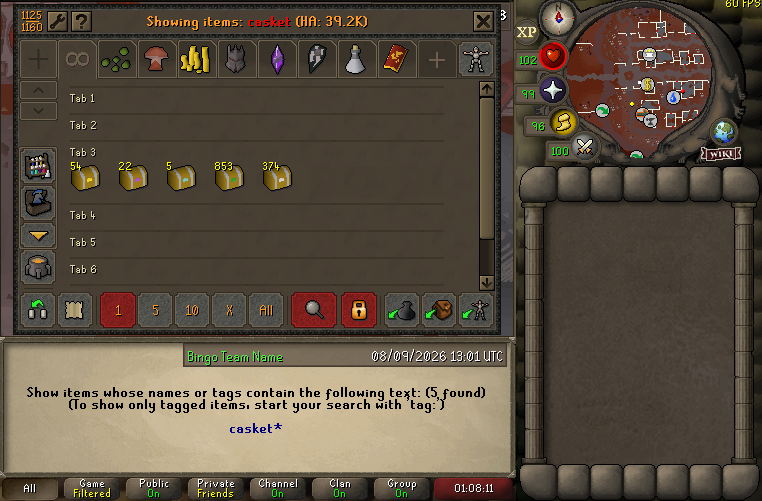
Screenshot your bank searching for "casket"
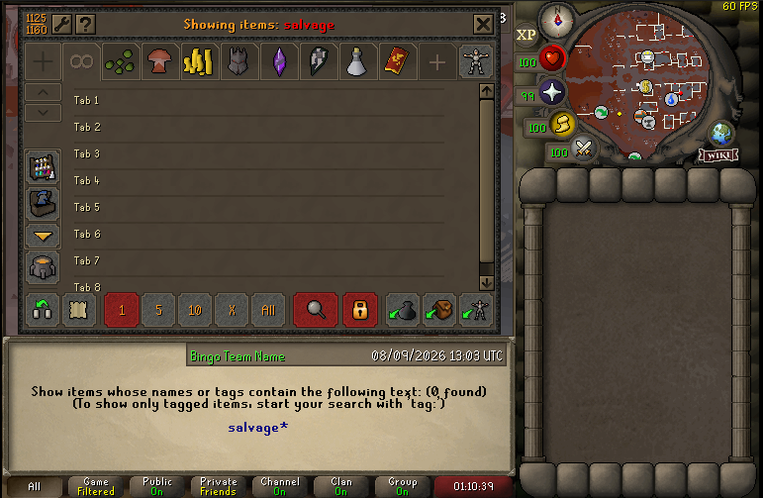
Screenshot your bank searching for "salvage"
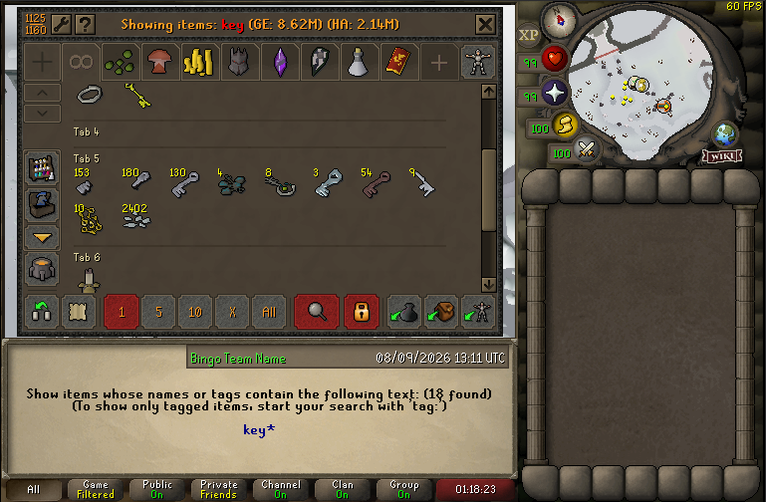
Screenshot your bank searching for "key" (Giant key, Mossy key)
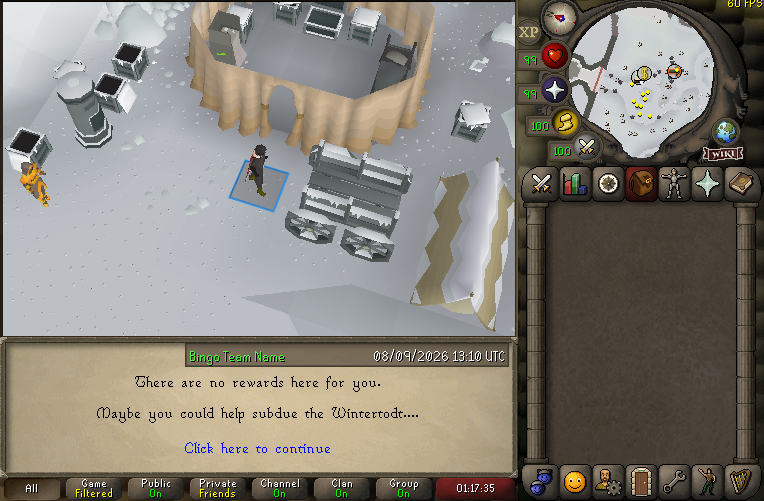
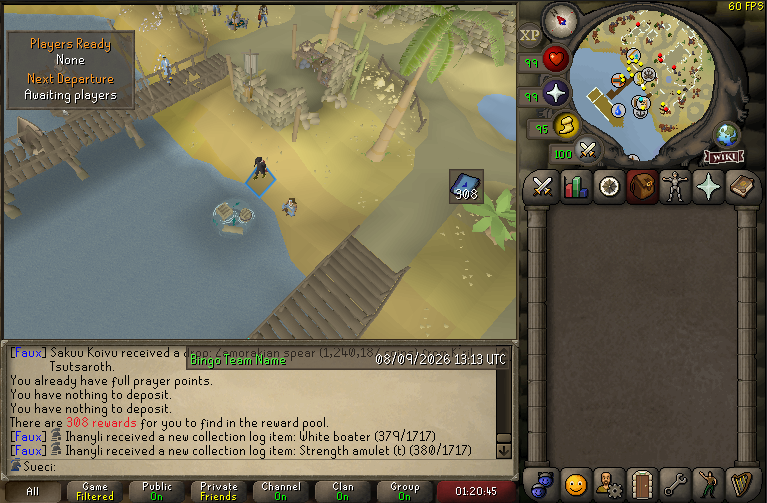
Screenshot your Wintertodt reward cart
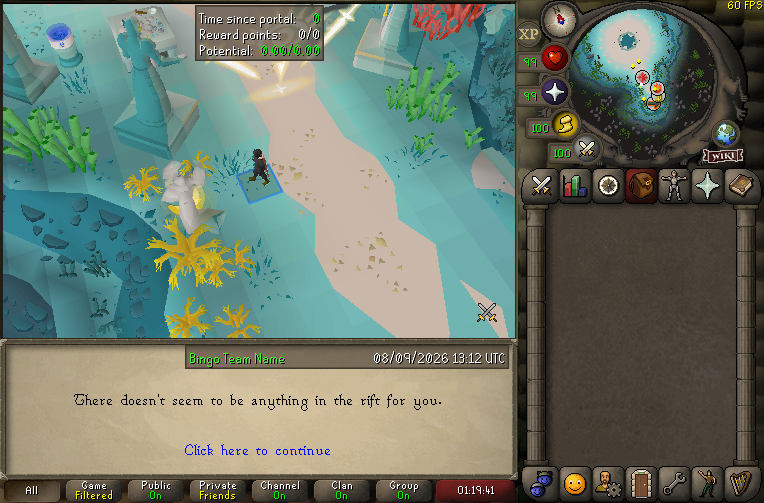
Screenshot your Guardian of the Rift Rewards Guardian
Screenshot your Tempoross empty pool
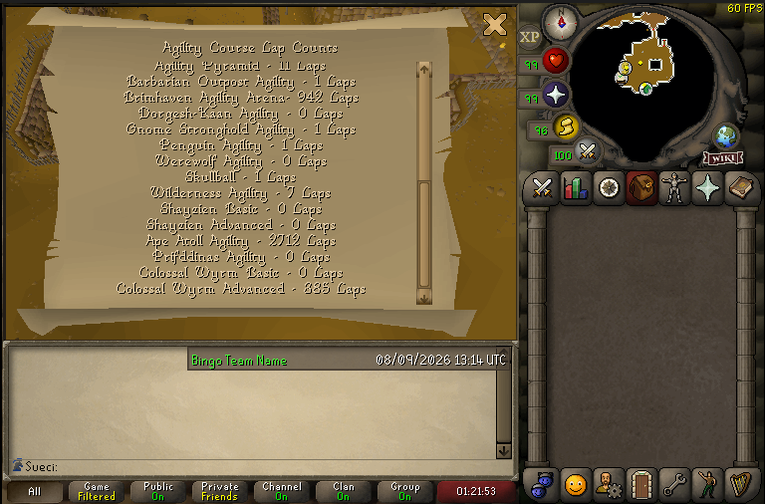
Screenshot your ape atoll agility laps at Grace
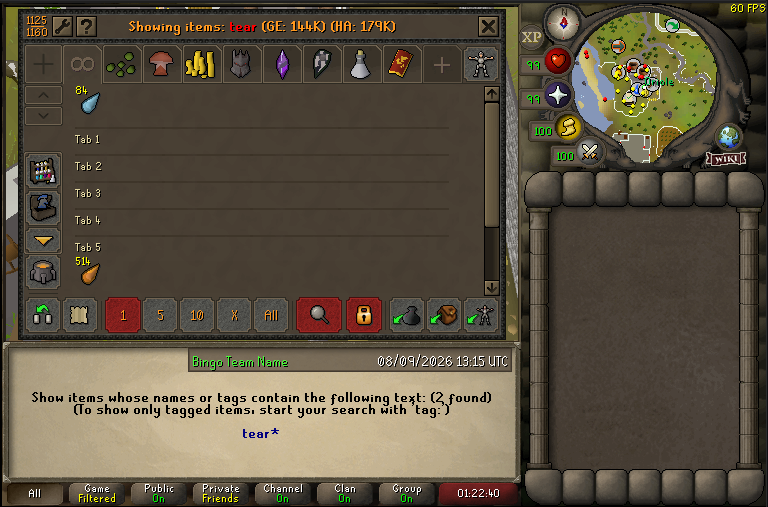
Screenshot your bank searching for "Tear" (Mermaid tear)
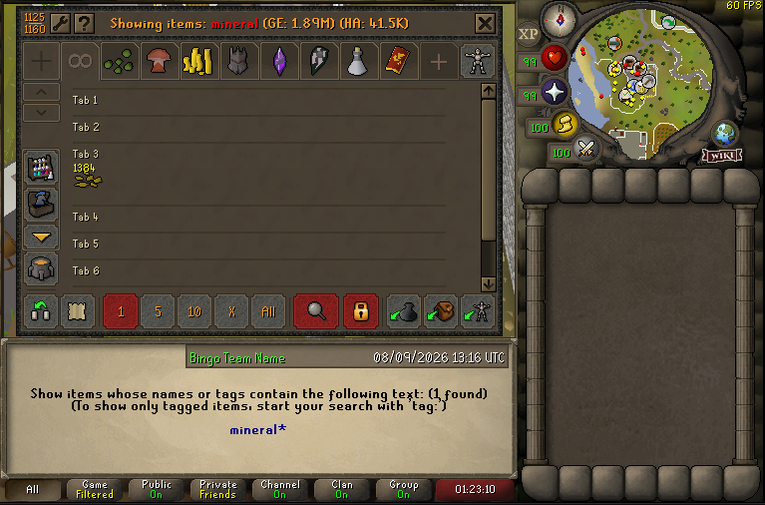
Screenshot your bank searching for "Mineral"
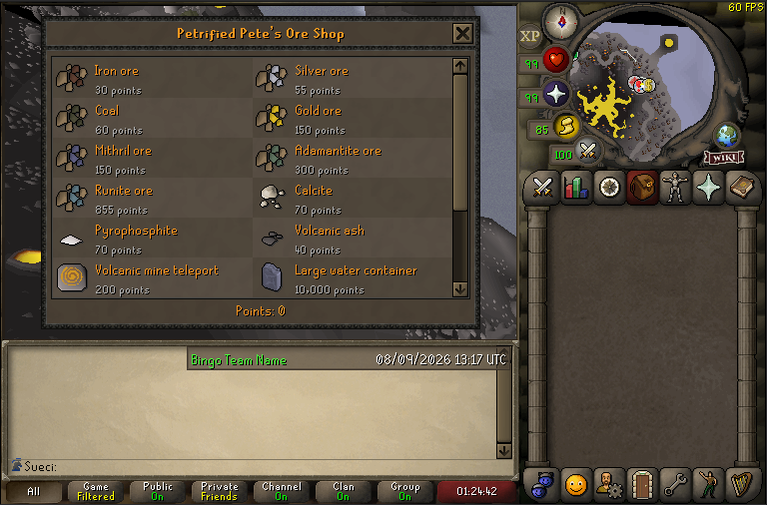
Screenshot your Volcanic Mine Points
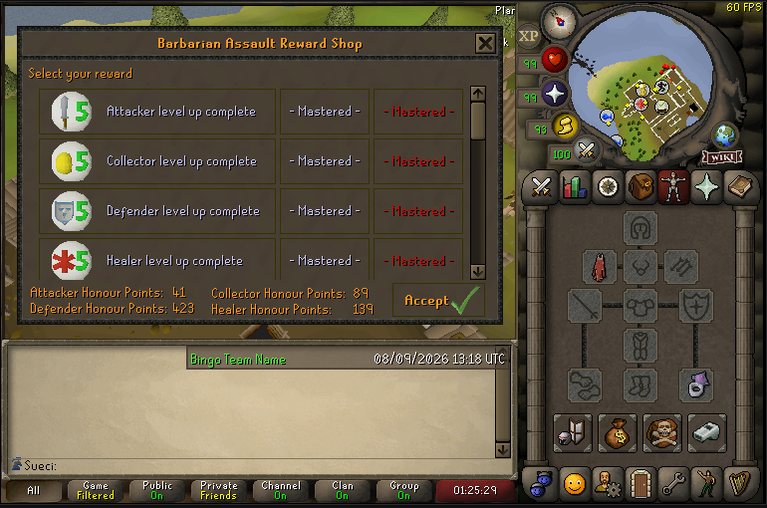
Screenshot your Barbarian Assault Points
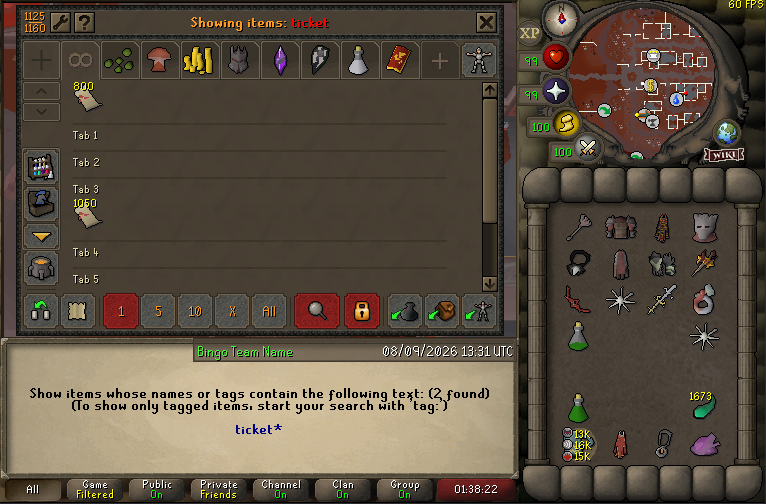
Screenshot your Brimhaven Agility Arena Tickets, searching for "Ticket"